
User Manual: Talk2all Global Data SIM Card After-Sales FAQs
Dear Talk2all family members,
To provide you with a smoother user experience,
we have compiled a list of frequently asked questions and solutions
regarding global data SIM cards.
This is a summary of key points,
so we recommend saving it for future reference!
Network Connectivity
Q1: What should I do if I can't connect to the network after inserting the physical SIM card?
You can check the following steps:
❶ Is data roaming enabled? Go to your phone's settings → Cellular/Mobile Data → Enable "Data Roaming";
❷ Is a corresponding data plan purchased? The user's actual country must match the country included in the data plan for normal use. If they don't match, please change the plan immediately;
❸ Is it the default data SIM card? Specify the Talk2all global data SIM card as the primary mobile data SIM card in the settings, and disable data functions on other SIM cards. Do not manually set the APN while the primary number is active, otherwise the connection will be interrupted;
❹ Airplane mode: Toggle airplane mode on and off for 10 seconds to force a network refresh;
❺ Restart your phone: Turn your phone off and then on again.
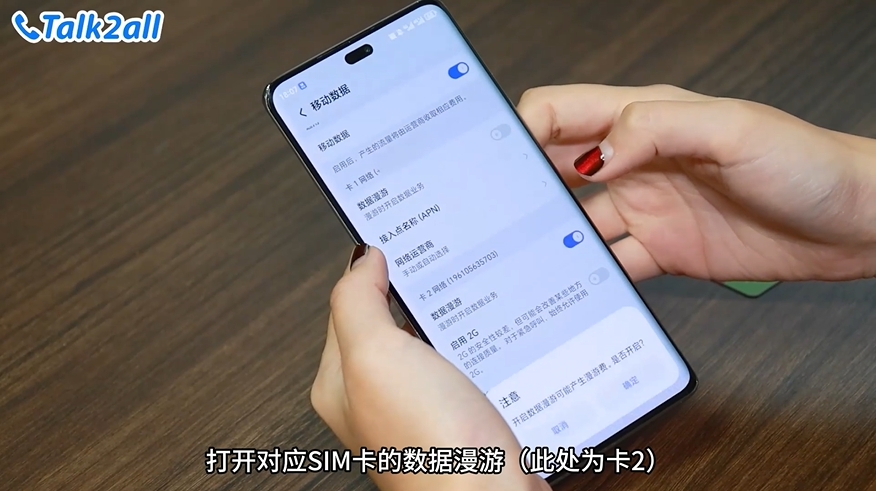
➤Apple iPhone video tutorial: https://www.talk2all.com.cn/contents/98/635.html
➤Android phone video usage tutorial: https://www.talk2all.com.cn/contents/98/634.html
If the above steps do not resolve the issue, you may be experiencing a local network problem. Please contact customer service for assistance.
Q2: eSIM scanning failed, unable to activate?
You can troubleshoot using the following steps:
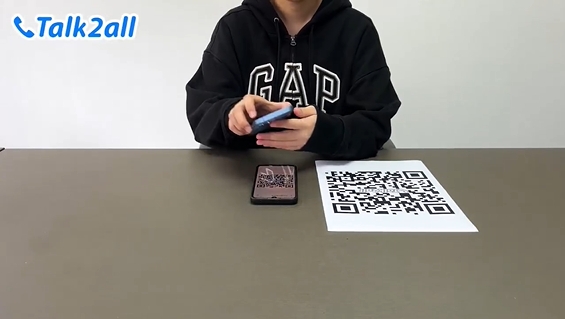
❶ Confirm whether your phone model supports eSIM functionality. You can check the compatible models on the Talk2all website;
❷ Ensure a stable network connection when scanning the QR code. We recommend using a stable Wi-Fi connection;
If you still fail, please contact customer service with your purchase order to obtain a new QR code.
Q3: Slow network speed, not meeting 4G/5G expectations?
Talk2all Global Data SIM Card supports 4G/5G network speeds. If network lag occurs, it may be due to the following reasons:
❶ Signal may be weak in some remote areas, or you may be in a densely populated area, which is normal;
❷ Your phone may be in power-saving mode or have a data limit set;
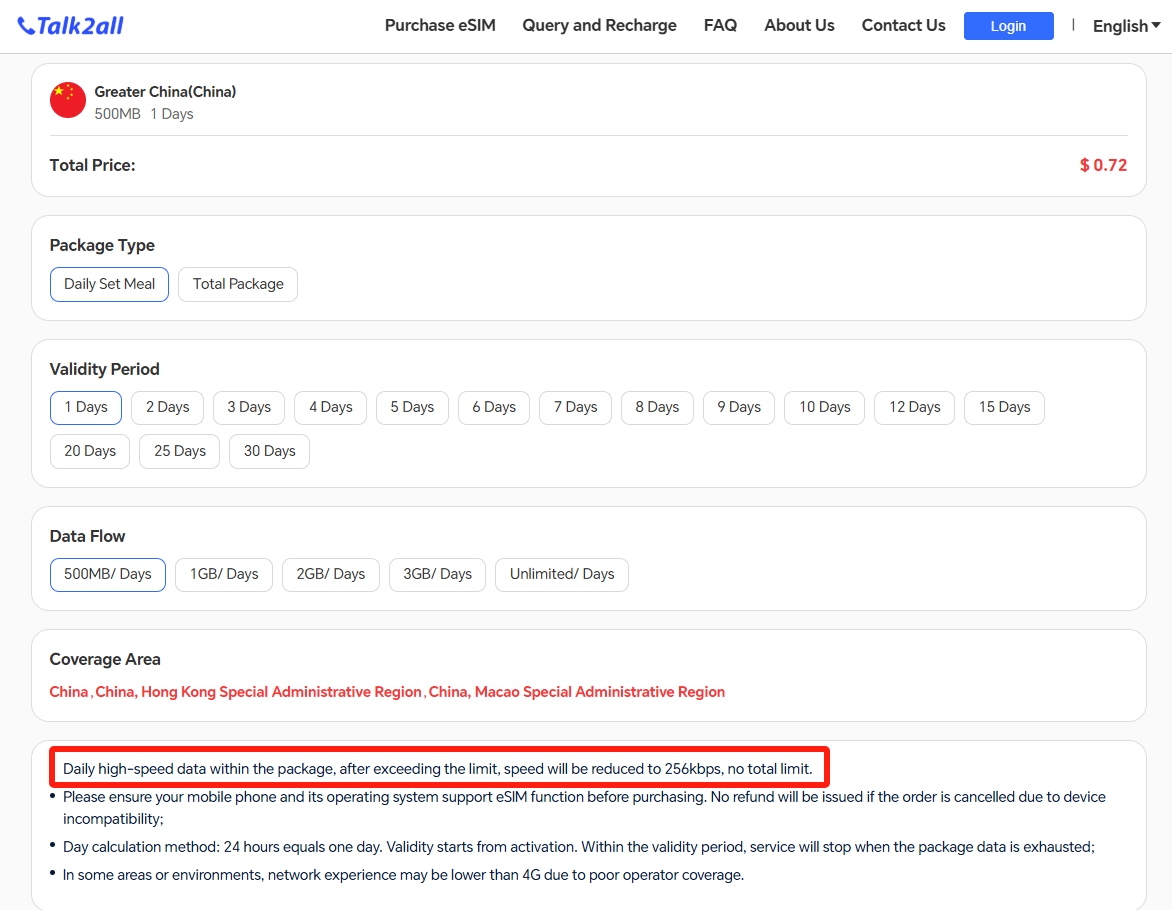
❸ If you purchased a "Daily Package," the speed will be reduced after reaching the daily high-speed data limit and will recover the next day; if you purchased a "Total Data Package," the speed will be limited after exceeding the package's data limit. You can check your current data usage in the Talk2all APP or by contacting customer service.
Q4: Can I share my hotspot?
Talk2all Global Data SIM Card supports sharing your hotspot with other phones. One person activates the card, and the whole group can use it. If sharing fails, please check your phone's hotspot settings or contact customer service.
Top-up and renewal services
Q5: How can I check my remaining data allowance and validity period?
Users can check this themselves through the Talk2all APP, official website, or the "Talk2all Global Internet Card" WeChat mini-program.

Q6: How do I renew my data plan if it runs out or expires?
You can renew your data plan anytime online. You can purchase a new plan through official channels such as the Talk2all APP, official website, or the "Talk2all Global Internet Card" WeChat mini-program, and bind the same SIM card number. The plan will automatically take effect after successful renewal; no need to reinsert the SIM card.
After-sales service
Q7: How can I contact customer service?
We offer 24/7 after-sales service through multiple channels, including our official website online customer service and the mainland hotline 400-098-0086. Please feel free to contact us anytime if you encounter any problems.
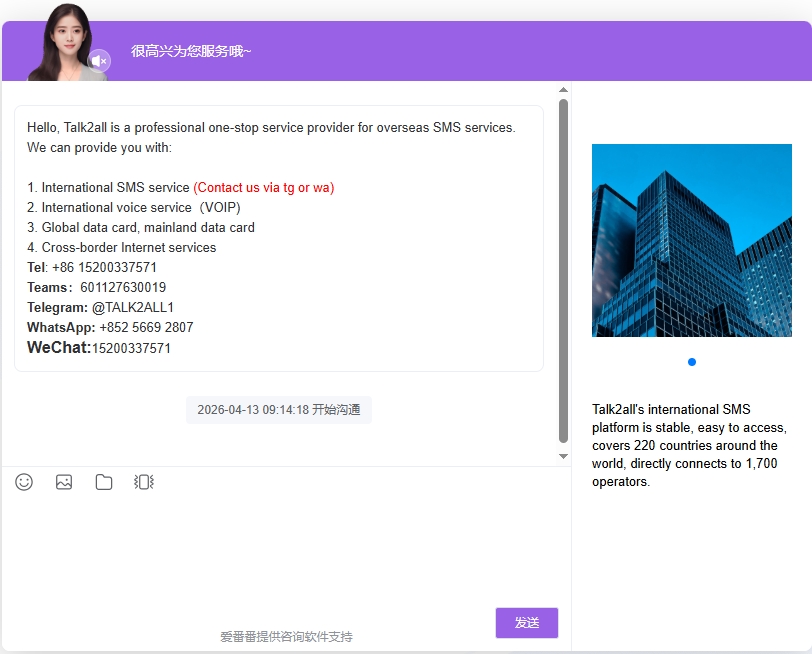
Q8: How long does customer service response and problem-solving take?
Online customer service typically responds within 3 minutes. Talk2all has a full-service after-sales team including customer service, technology, and finance to ensure you get a solution as quickly as possible.
If you have any further questions, please leave a comment or send a private message.Talk2all will continue to provide you with comprehensive support, ensuring you stay connected globally and travel worry-free!